
What Is Themify?
Themify was launched in 2010 by cofounders Nick La (whose original claim to fame was as founder of the insanely successful Web Designer Wall website) and Darcy Clarke. Very few WordPress businesses can claim to be in their tenth year, making Themify one of the oldest and most respected theme sellers in the WordPress world.
The goal for Themify was simple: To develop beautiful WordPress themes and powerful plugins. Its collection of themes and plugins can be bought individually, meaning Themify can sit comfortably under the umbrella of a WordPress theme shop.
However, Themify primarily operates as a WordPress club, meaning you can pay one flat fee for access to all of its themes and plugins — a popular way for people who run multiple websites to purchase WordPress products.
WordPress clubs, such as Themify, are popular for plenty of reasons. If you’re a site-building professional, you get to offer your clients a wide range of options; if you’re a hobbyist site builder, you can try out your website in a number of guises before settling on a favorite.
For those looking to try Themify before signing up, it also offers a small collection of free themes and plugins on the official repository.
Pricing
Let’s start by discussing the price of the products.
To keep things simple, Themify offers flat pricing of $59 on individual themes or $69 for the theme & Photoshop files. You can also get 50% off your theme purchase if you switch from another theme to Themify — here are the details on that offer.
Because some plugins are more complex than others, more price variation is to be expected, with Themify’s plugin offerings costing between $19 and $69 each. Many of Themify’s plugins have multiple ‘add-ons’, but Themify gives you access to all add-ons if you purchase the premium version — that is, Themify doesn’t sell individual add-ons anymore.
These are relatively standard prices in the WordPress world — neither cheap nor overly expensive. Take a look at the major WordPress marketplaces and you’ll see products priced in the same ballpark.
The Master Club offers two pricing plans — both of which get you access to everything:
- Master Club : $89, access to all products with one year of support and updates. You’ll need to renew to continue to have access after the first year, but you get a 30% discount on renewals.
- Lifetime Club: $249, access to all products with lifetime support and updates.
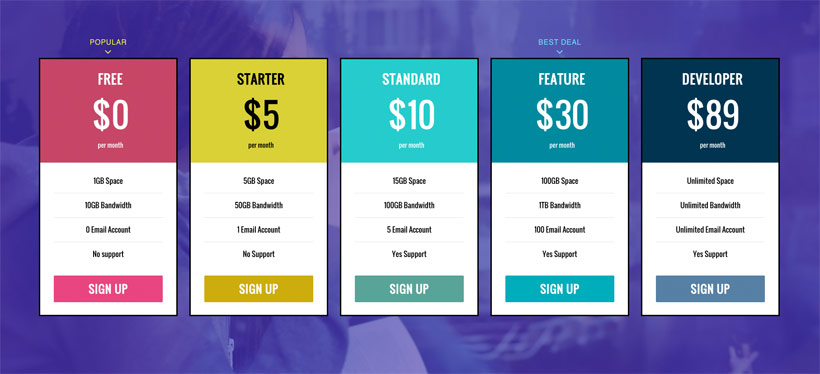
Both plans let you use all of the themes and plugins on unlimited sites, which offers especially great value for agencies or anyone else who builds a lot of WordPress sites.
Themes
Now, it’s time to turn our attention to the themes.
As each theme costs $59, by far the most cost-effective purchase method is the Master Club, which gets you access to all themes for just $89 a year — working out to about $2 per theme (plus you get all of the plugins, too).
THEME FEATURES
Summary — all themes come with the following features:
- Themify Framework
- Themify Builder (visual, drag-and-drop design) + 12 builder addons
- Themify Shortcodes + block support
Although most themes come with a unique set of functionalities, there’s also a universal set of features underlying every Themify theme, known as the Themify Framework.
Themify themes ship with several useful features, starting with demo import. If you’ve selected a theme based on the qualities of the demo, you’ll be pleased to know you can have your website looking identical to that demo in seconds.
On top of this, Themify supports extensive customization. Perhaps most notably, this includes access to the Themify Builder. We’re going to pass over this for now, as the Builder is available as a standalone plugin too, so we’ll be covering it in more detail later. Customization is controlled via a dedicated styling panel, letting you swap colors, fonts and icons at the click of a button.
Themify themes are also known for their superb collection of built-in shortcodes, making it super-easy to add cool content to your site. The Themify shortcodes are also available as a free plugin, giving you the opportunity to use them on non-Themify websites.
In addition to shortcodes, all themes are compatible with the blocks in the new WordPress editor, which lets you use the “modern” approach to building WordPress sites.
Finally, to ensure your website is as usable as possible, Themify guarantees full compatibility with WooCommerce, WPML and the latest version of the WordPress core.
These are a great set of features, giving you a really solid foundation when building your site.
FINDING A THEME
Compared with some WordPress clubs, the Themify collection feels relatively small — consisting of 42 themes to date. However, the themes have distinct styles, look great and are built to high specifications.
Because of the smaller number, Themify doesn’t require extensive search functionality. The themes are listed in order of popularity, with a one-click demo available for each — so you don’t have to click through to the theme’s product page.
Before you buy a theme, I strongly recommend you view the demo, because it will give you an idea of how your site’s layout and aesthetics will look — plus some idea of the functionality available to you (it’s basically try before you buy).
Before buying a theme, it’s also worth clicking through to its product page. Themify has made these very useful, providing loads of information about each theme’s features.
Most Popular Themes
Want to see how a Themify theme looks? No problem. In this section, I’m going to run through five of the most popular.
1. ULTRA
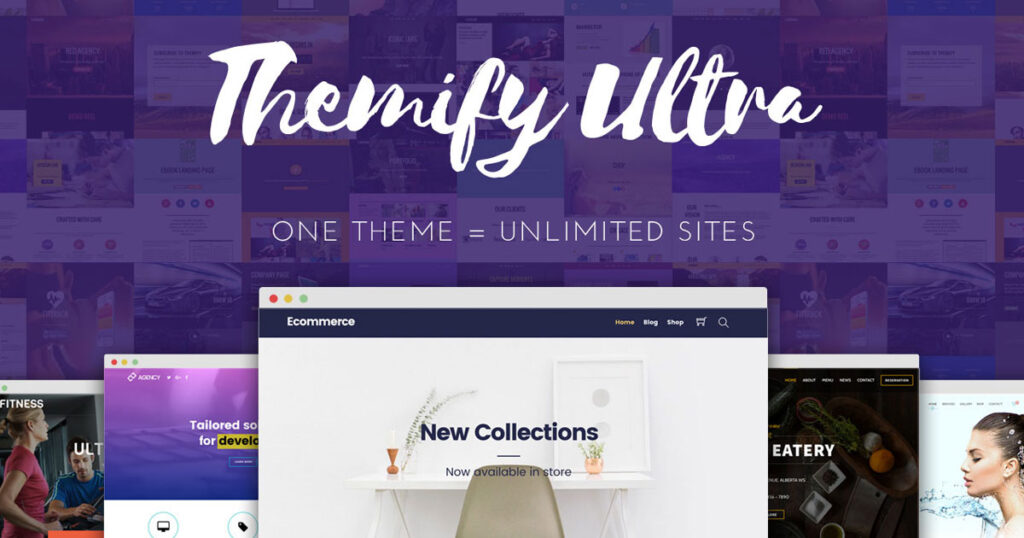
Ultra is Themify’s multipurpose, all-rounder theme. Think of it like Themify’s version of the popular Divi or Avada themes.
Its flexibility means it can be used to build any type of website in any niche — as demonstrated by the 33-plus pre-built demo websites. The theme relies heavily on the Builder, and comes packed with customization options — from layouts and colors to fonts. If you’re looking for the most versatile theme in the Themify catalog, this is it.
2. SHOPPE
Shoppe is a multipurpose WooCommerce theme that you can use to create any type of eCommerce store. It comes with a bunch of helpful built-in eCommerce features, such as an Ajax shopping cart, wishlists, product quick view, Ajax quick search and product image zoom.
It also offers eight-plus pre-built ‘skins’ that you can use for different eCommerce niches. And, like other Themify themes, you can customize all of that content using the Themify Builder.
https://themify.me/member/aff/go/brianbin
3. LANDING
As the name implies, Landing is a dedicated landing page theme. As such, the layout is relatively simple, because the aim is to collect as many email addresses as possible — or whatever goal you’re targeting. The theme comes with five header options, giving you the opportunity to craft your perfect landing page. It also supports more than 25 templates, giving you a range of starting points you can use for inspiration.
4. PARALLAX
Parallax is a one-page WordPress theme that uses a neat parallax scrolling effect as visitors scroll down the page. It makes a great option for a portfolio or corporate website, although you can use Parallax for other applications, too. To support those uses, it comes with dedicated post types for portfolio items and team members.
Themify Plugins
Themify also stocks an expanding collection of premium plugins and add-ons. Currently, Themify has 11 plugins (some are free) and 30-plus add-ons, which gives you a lot of value if you purchase the Master Club.
THEMIFY BUILDER
The Themify Builder is probably Themify’s most well-known plugin. It comes bundled with every Themify theme, and you can use the standalone plugin version with non-Themify themes, too.
The core Themify Builder plugin is available for free at WordPress.org. For more functionality, you can purchase a bundle of 25-plus add-ons for just $39 (or get all of the add-ons as part of the Master Club).
A powerful page builder plugin, the Themify Builder gives you the opportunity to flex your creative muscles, designing beautiful, custom layouts for your pages. To aid your creativity, Themify Builder allows you to build your custom designs using either the front or back end. The front-end building function, in particular, gives you a full preview of how your modules slot together on a live version of your site.
And, talking of modules, the Themify Builder comes loaded with options and functionalities. This includes maps, galleries, call-to-action buttons and sliders — meaning you can uninstall several surplus-to-requirement plugins. There are also near-unlimited customization options, plus more than 60 stylish animations you can apply to individual modules.
In addition to these core modules, Themify has released 25 Builder extensions to date. These include:
- Image Pro — add filters, overlays and animations to your images.
- Pricing Table.
- Bar Chart.
- Content Restriction — essentially turn your website into a membership site.
- WooCommerce — display WooCommerce products anywhere on your website.
- Progress Bars.
- Timelines.
- Maps Pro — add multiple markers and custom icons.
- Slider Pro — create gorgeous sliders.
- A/B Images — place before/after images side by side, with a dynamic slider for easy comparison.
Note: All Themify WordPress themes include the Themify Builder functionality and 12 core builder addons. The plugin was released as a standalone, so you could use the Themify Builder with a non-Themify theme.
BUILDER PRO
Builder Pro is the newest plugin release from Themify. It takes the same visual, drag-and-drop concept of the Themify Builder, but lets you apply it to your entire theme.
That is, you can use visual, drag-and-drop design to create 100% of your WordPress website, including your site’s:
- header
- footer
- post and page templates
- archive templates
- WooCommerce product and shop pages
- search results pages
- …everything.
You can use display conditions to control where those different templates show up. For example, you can use one header for your blog posts and another header for your WooCommerce products. This helps you to optimize your site no matter what content you’re displaying.
Another powerful feature is the ability to insert dynamic content into your designs. For example, if you’ve created custom fields with ACF or Pods, you can dynamically insert data from those fields into your templates.
And, if you don’t want to build everything from scratch, Builder Pro also ships with plenty of pre-designed themes and templates.
Builder Pro costs $69 if you purchase it by itself, which includes all 25+ Builder Addons (a $39 value). You can also get it as part of the $89 Master Club, which generally offers better value because it’s only $20 more to access all themes and plugins.